

Use your smartcard and card reader to securely log in to eQ and authorise payments.
Overlay
Log in to eQ using a card and reader
Use your smartcard and card reader to securely log in to eQ. Follow these steps to complete the process.

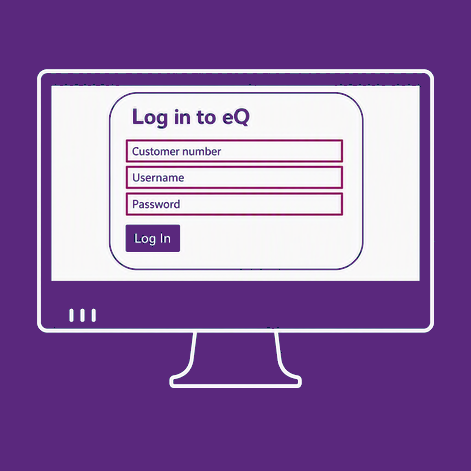
Enter your log in details
Enter your details on the eQ log in screen. A security window will appear with a QR code.

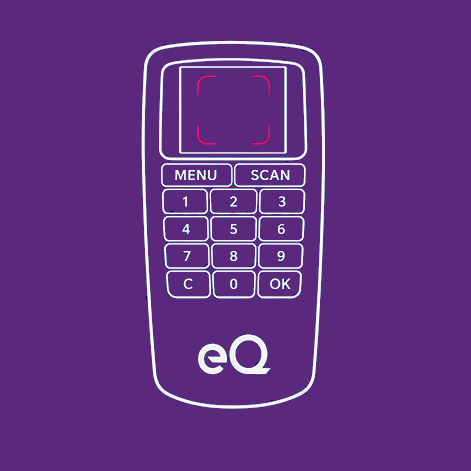
Insert your smartcard
Insert your smartcard into the reader. The camera should switch on automatically.

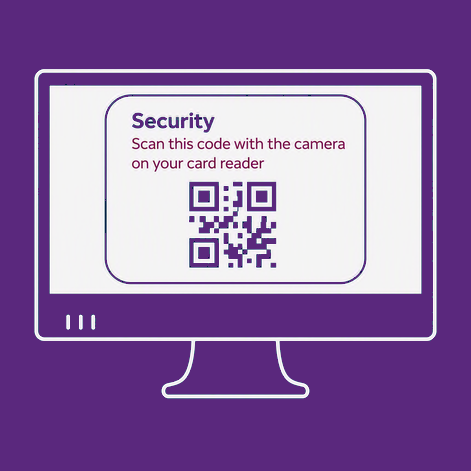
Scan the QR code
Use the reader to scan the QR code. If needed, adjust the QR code size on screen.

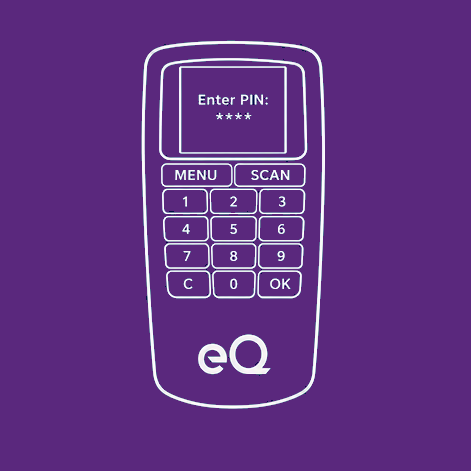
Confirm the request and enter your PIN
Review the log in request, press OK, then enter your smartcard PIN and press OK again.

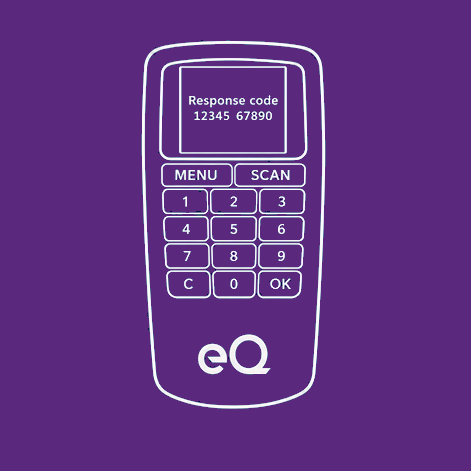
Enter the response code
Enter the response code shown on the reader and select Continue to complete your log in.
Log in to eQ using a card and reader
Use your smartcard and card reader to securely log in to eQ. Follow these steps to complete the process.
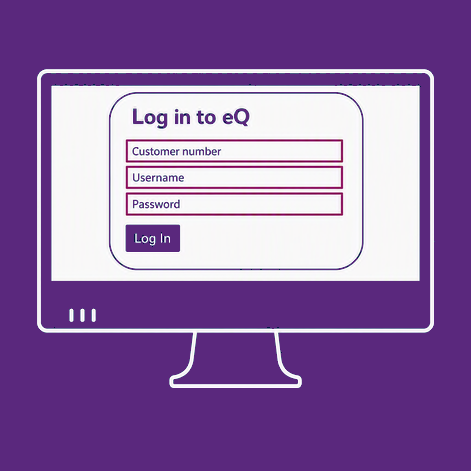
Enter your log in details
Enter your details on the eQ log in screen. A security window will appear with a QR code.
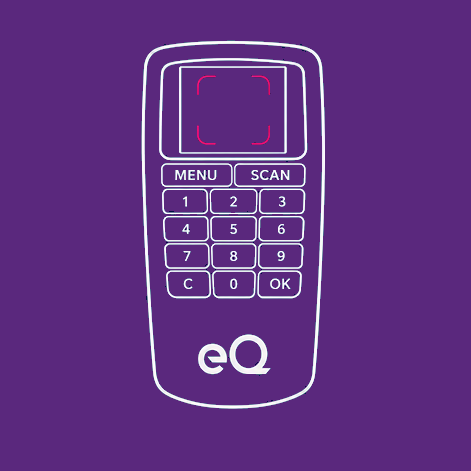
Insert your smartcard
Insert your smartcard into the reader. The camera should switch on automatically.
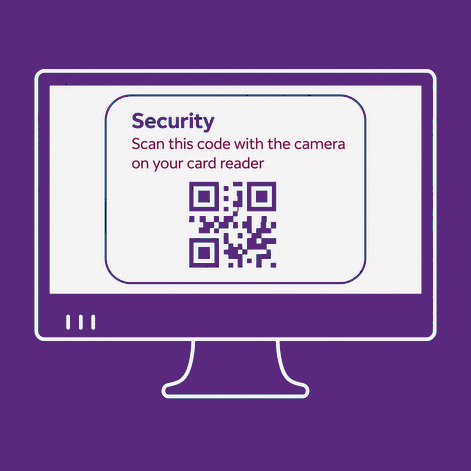
Scan the QR code
Use the reader to scan the QR code. If needed, adjust the QR code size on screen.
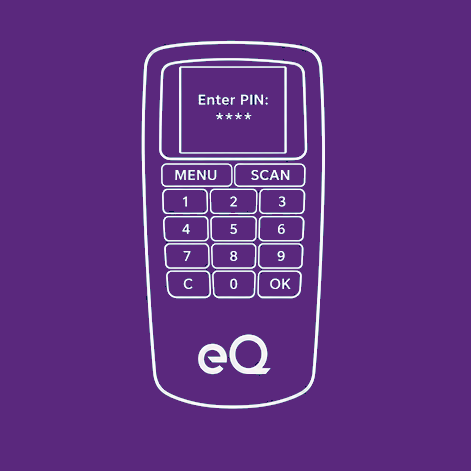
Confirm the request and enter your PIN
Review the log in request, press OK, then enter your smartcard PIN and press OK again.
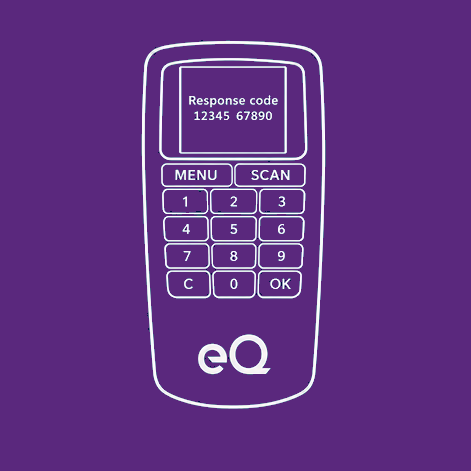
Enter the response code
Enter the response code shown on the reader and select Continue to complete your log in.
Having problems with your response code?
If your response code isn't being accepted when authorising a payment, there may be an issue with your smartcard.
Please contact us for support. If needed, we'll ask you to scan the QR code and guide you through the next steps.
Information Message
Only scan this QR code when instructed by our support team.